

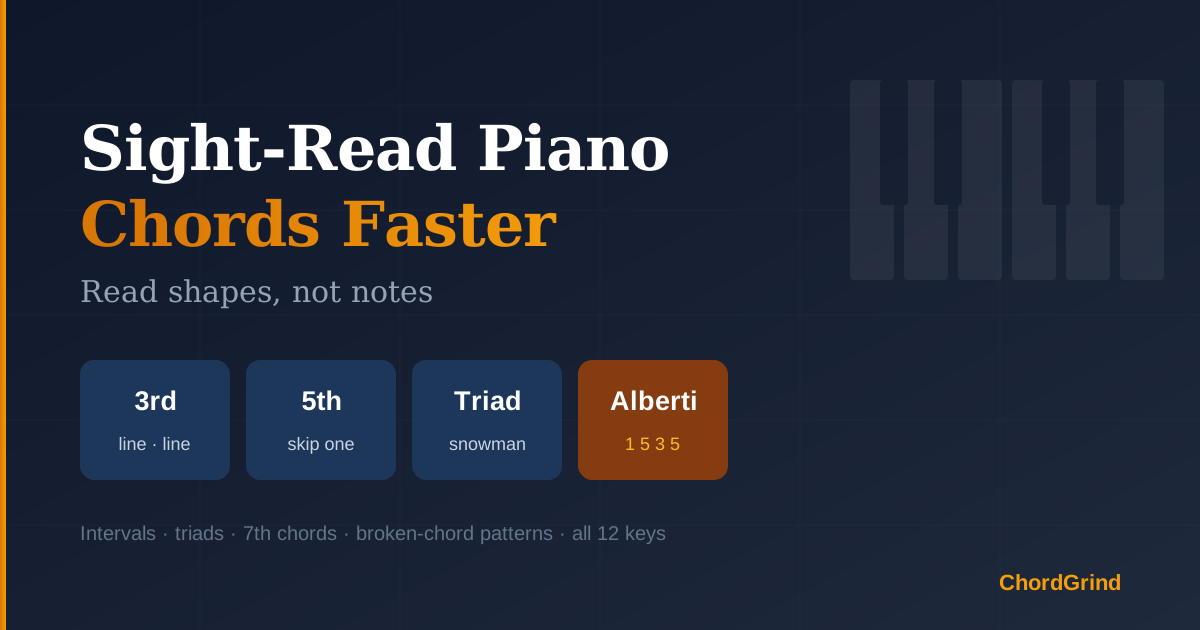
If you read music by naming every note — "E, G, B… that's an E minor chord" — sight-reading will always feel slow. Fluent readers don't name notes; they see shapes. A third looks like two notes on neighbouring lines. A root-position triad looks like a snowman. An Alberti bass has a pattern your eye recognises before your brain spells it. This guide shows you how to train that kind of reading and how to drill it with ChordGrind's free Piano Sight-Reading Trainer.
Table of Contents
- Why Is Note-by-Note Reading So Slow?
- What Does "Reading Shapes" Mean?
- Which Shapes Should You Learn First?
- How to Use the Sight-Reading Trainer
- Reading with a MIDI Keyboard
- A 2-Week Sight-Reading Plan
- Common Mistakes
- FAQ
Why Is Note-by-Note Reading So Slow?
Naming notes is a chain of small calculations: find the line, name the letter, check the key signature, find the key, repeat. For a four-note chord that's four chains before your hand can move — and the music doesn't wait.
Experienced readers skip the chain. They recognise distances and patterns at a glance, the same way you read a word without spelling it. That skill is trainable, and it's mostly about short, frequent, timed practice on the shapes that appear in real music.
What Does "Reading Shapes" Mean?
Every interval and chord has a visual signature on the staff:
| Shape | What it looks like |
|---|---|
| 2nd | Two notes touching — one on a line, one in the next space, offset sideways |
| 3rd | Both on neighbouring lines, or both in neighbouring spaces |
| 5th | Line to line (or space to space) with one line or space skipped between |
| Root-position triad | Three stacked lines or three stacked spaces — a "snowman" |
| Inversion | The same three notes with a gap (a 4th) at the bottom or the top |
| 7th chord | Four stacked thirds — line-line-line-line or space-space-space-space |
Once you know the shape, the key signature takes care of the sharps and flats. You read the shape; the key tells you which black keys it uses.
Which Shapes Should You Learn First?
Start small and add one layer at a time:
- Intervals from 2nds to octaves — the building blocks of everything else.
- Triads in root position and both inversions.
- 7th chords in all four positions.
- Broken-chord patterns — Alberti bass, up-down, arpeggios up and down, and the pop accompaniment 1-5-8-10. These are the left-hand figures you'll meet in classical and pop scores.
How to Use the Sight-Reading Trainer
Open the Piano Sight-Reading Trainer. It works on any piano — no MIDI needed.
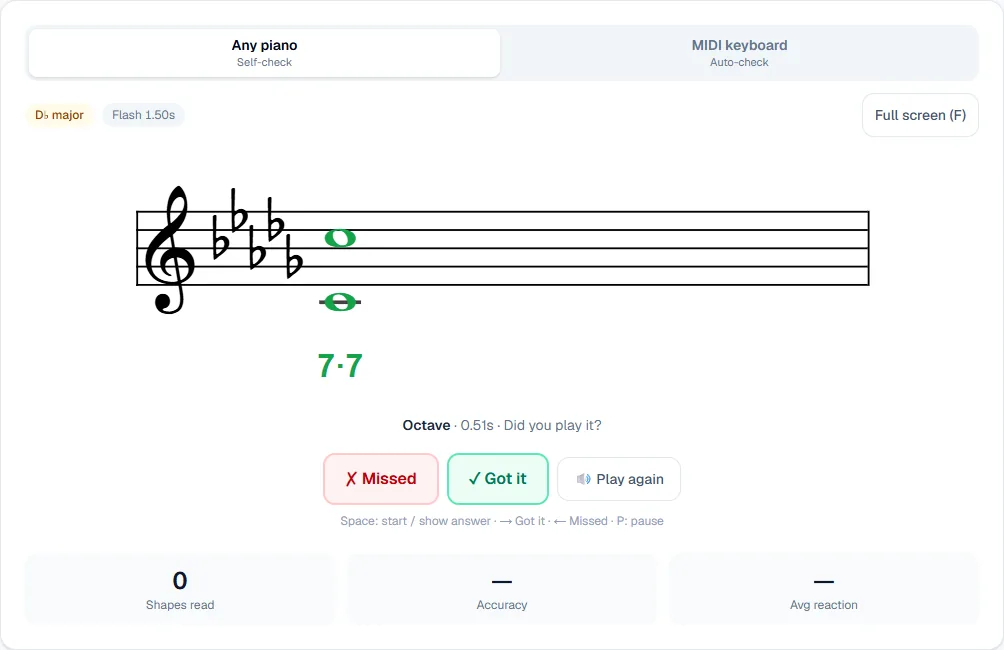
- Choose your shapes. Tick Intervals, Triads, 7th Chords and/or Broken Chords. You can narrow intervals to the sizes you're working on and pick which broken-chord patterns to include.
- Pick a key and clef. The key starts on today's key from your practice plan; choose any other key or All 12 keys (random). Read in the treble clef, the bass clef, or Mixed to switch between them.
- Press Start (or Space). A shape appears on the staff. With Flash mode on, it disappears after a moment — you have to take it in at a glance instead of counting lines.
- Play it on your piano, then press Show answer. Your reaction time is measured until you reveal, so reveal as soon as your hands have played. The answer appears in green and sounds on a sampled grand piano.
- Mark yourself. ✓ Got it (→ key) or ✗ Missed (← key). Missed shapes come back two questions later, and the shapes you're slowest at appear more often.
- Use degree numbers as training wheels. Degree numbers label each note 1–7 in the key. Handy at first; switch them off once the shapes read on sight.
The flash time adapts to you: it shrinks after three right answers in a row and grows after a miss. Press F for full screen if you're reading from the piano bench.
Reading with a MIDI Keyboard
Switch to MIDI keyboard mode (desktop Chrome or Edge) and the trainer checks your answer automatically. Block shapes are judged as one chord; broken-chord figures note by note, in order. If you're wrong, the staff shows the written shape in green and what you played in red. Use Any octave if you only care about note names, and the sustain pedal or Space to start and pause.
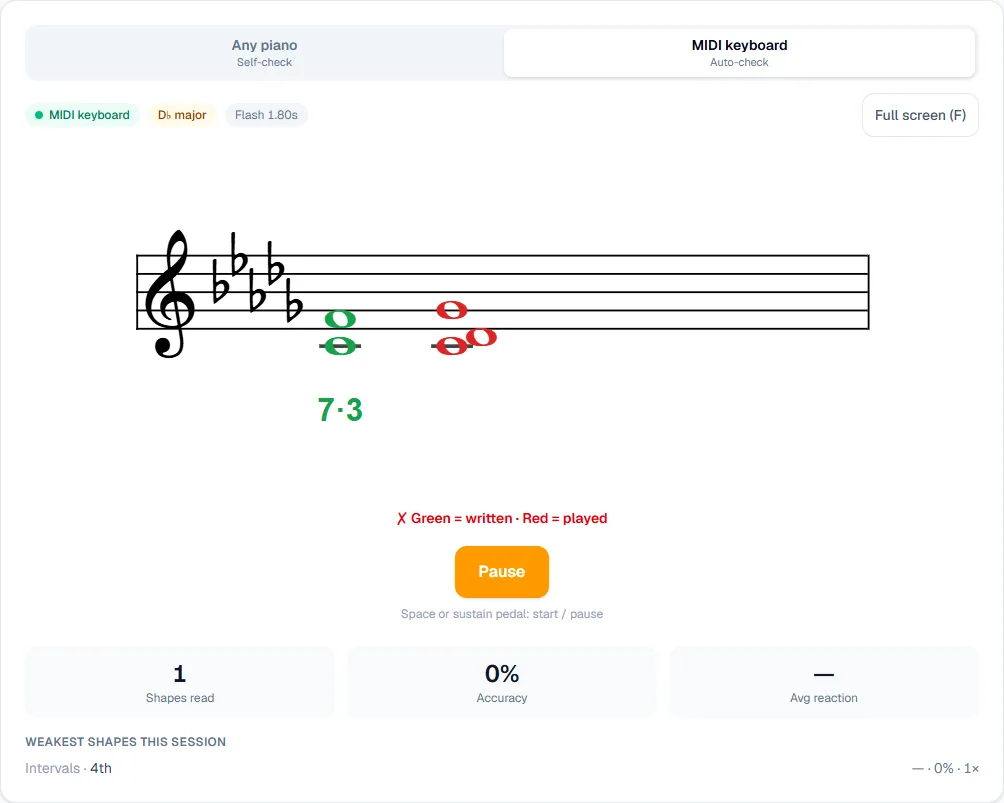
Below the trainer, Your weak spots shows accuracy by key, hand (treble = right, bass = left) and scale degree, and the Dashboard compares all 12 keys — so you can see, for example, that E♭ major in the left hand is your blind spot.
A 2-Week Sight-Reading Plan
Ten minutes a day:
| Days | Shapes | Settings |
|---|---|---|
| 1–3 | Intervals (2nd–5th) | Today's key, treble, degree numbers on |
| 4–5 | Intervals (all) + triads | Today's key, mixed clefs |
| 6–8 | Triads + 7th chords | Degree numbers off, flash on |
| 9–11 | Broken chords (Alberti, arpeggios) | Bass clef — they live in the left hand |
| 12–14 | Everything | All 12 keys (random), mixed clefs |
Common Mistakes
- Counting lines. If you catch yourself counting, the shape isn't learned yet — leave flash mode on so you can't.
- Revealing too late. In Any piano mode, reveal the moment you've played; otherwise your reaction times mean nothing.
- Only reading treble clef. Most players read the bass clef far slower. Give it its own sessions.
- Ignoring the key signature. Read the shape, then let the key decide the black keys — don't add accidentals in your head.
FAQ
How long does it take to get better at sight-reading?
Short daily sessions work best. Most players notice faster chord recognition within two weeks of ten-minute drills, and a clear jump in reading new music within a couple of months.
Do I need a MIDI keyboard?
No. Any piano mode is built for acoustic pianos and keyboards without MIDI: you play, reveal and mark yourself. MIDI adds automatic checking and exact reaction times.
Is this for classical or pop?
Both. Intervals, chords and broken-chord patterns are the raw material of classical scores, pop accompaniment and lead sheets alike.
Is there a Chinese version?
Yes — the trainer is also available in Traditional Chinese.
Start Reading
Sight-reading improves fastest when you practise recognising, not calculating. Open the free Piano Sight-Reading Trainer, start with intervals in today's key, and let flash mode push you from spelling notes to seeing shapes. Then put those shapes to work with the Chord Trainer.